 Angolo di Windows
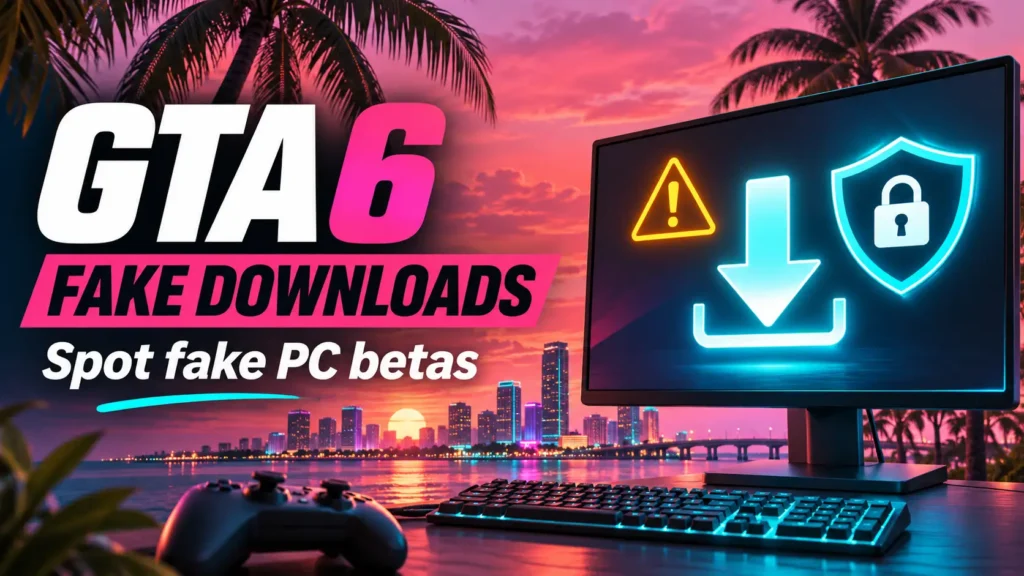
A video shows GTA 6 on a PC, and in the description you find a link to download it for free. The page seems convincing: it has the logo and even some enthusiastic comments. Can you trust it?
Before clicking Download, it’s worth checking where that version comes from and who announced the offer.
As of 19 November 2026, Rockstar’s official page lists GTA 6 for PS5 and Xbox Series X|S. The sources consulted do not offer a Windows installer: this is the first thing to compare with the site’s claim.
First check: does the offer really exist?
Open Rockstar’s website manually and look for an announcement about the game, beta or promotion. Then compare the platform, dates and conditions with what is being promised.
If you can’t find the initiative on official channels, hold off on downloading. You don’t need to open the file to check whether the site’s claim is backed up.
A video showing the game on a monitor doesn’t certify a Windows version: it could show recorded footage or streaming. Even a very large file could contain something completely different from what its description says.
Warning signs to look out for
| Request or promise | Why you should stop and check |
|---|---|
| Disable your antivirus before installing | You’re asked to disable a protection to run a file |
| Download an “activator” to complete sign-in | The additional program requires independent verification |
| Enter passwords or temporary codes in an external form | Your credentials could be collected by whoever controls the page |
| Pay a small “verification fee” for a free key | The promised free offer no longer describes what you’re being asked to do |
| Paste a command into PowerShell or Run | You’re running commands on your PC, not just visiting a website |
If you’re asked to take any of these steps, compare them with the manufacturer’s instructions before proceeding.
A key generator isn’t a promotion
A verifiable promotion has an organizer, terms, a redemption platform and a recognizable process. A generator that displays a string of characters doesn’t prove that the code is valid.
Don’t provide passwords, authentication codes or card details to “unlock” a key. If the offer is for a specific store, verify it directly with the store, without using the form that advertised it.
If you’re buying a copy, check the Rockstar documentation on editions for the platform and what the package contains. A product photo alone doesn’t clarify what you’ll receive.
What to do if Windows displays a warning
Microsoft Defender SmartScreen uses information about the reputation of websites and applications to flag potentially risky content. The Microsoft documentation describes its role in protecting against phishing and malicious downloads.
A warning about an unfamiliar file deserves attention, even though it doesn’t by itself mean it’s a virus. Check where the download came from even when Windows doesn’t display any messages.
If the instructions for a purported download tell you to bypass the warning or add antivirus exclusions, don’t treat that as a normal requirement for GTA 6.
Have you already downloaded or opened something?
It depends on what you did. If you only downloaded the archive, you can still avoid running it. If you ran the program or entered a password, you’ll need to check your PC or account instead.
If you haven’t opened the file, don’t open it out of curiosity, and delete it if you can’t verify its source.
If you ran it, update your protection and run a scan. With Microsoft Defender, you can open Windows Security > Virus & threat protection > Scan options and choose the full scan. An offline scan is another option if you suspect exposure; restart your PC, so save your work first.
If you shared credentials, change your password on the service’s genuine website, using a trusted device, and check your active sessions and available recovery methods. The scan checks the computer; a password shared with a suspicious page must be dealt with separately.
The check that’s always worth doing
When an offer interests you, go directly to the manufacturer’s or store’s website and look for it there. A few steps are enough to tell whether you’re looking at a genuine promotion or a link whose source you don’t know.