 Fantino Bianchi
The world of cloud gaming has just changed dramatically. Microsoft has officially opened the door to a free, ad-supported Xbox Cloud Gaming option (Game Pass, you heard that right). This move dramatically lowers the barrier to entry for anyone who wants to stream games without having to sign up for a monthly subscription right away.
If you’re wondering how to access this service at no cost, what the operational limits are and how it compares with traditional subscription plans, you’re in the right place. Here’s the step-by-step guide.
What Is Free, Ad-Supported Cloud Gaming and How Does It Work?
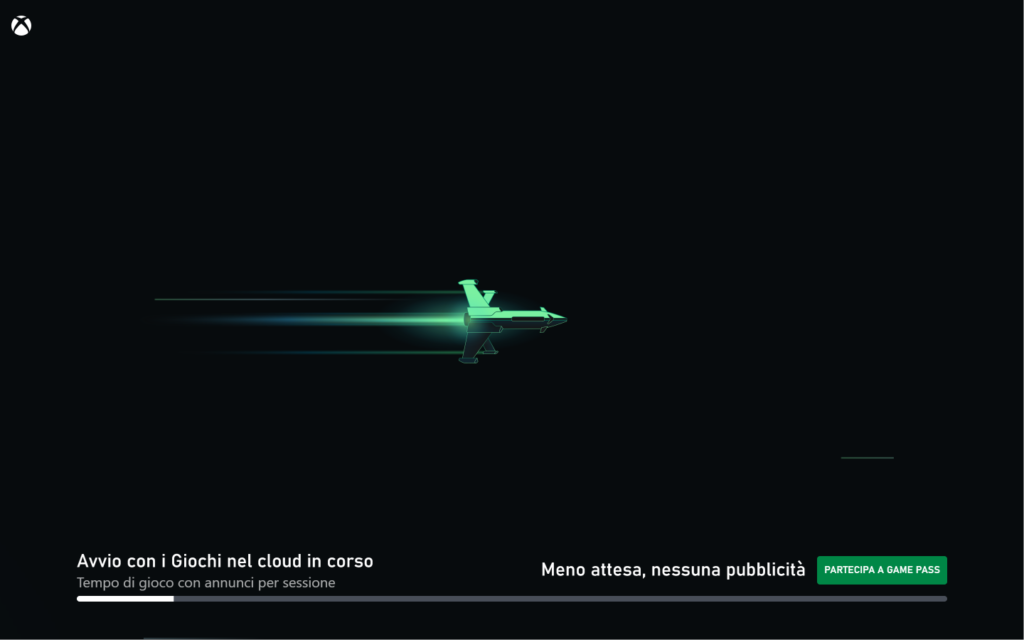
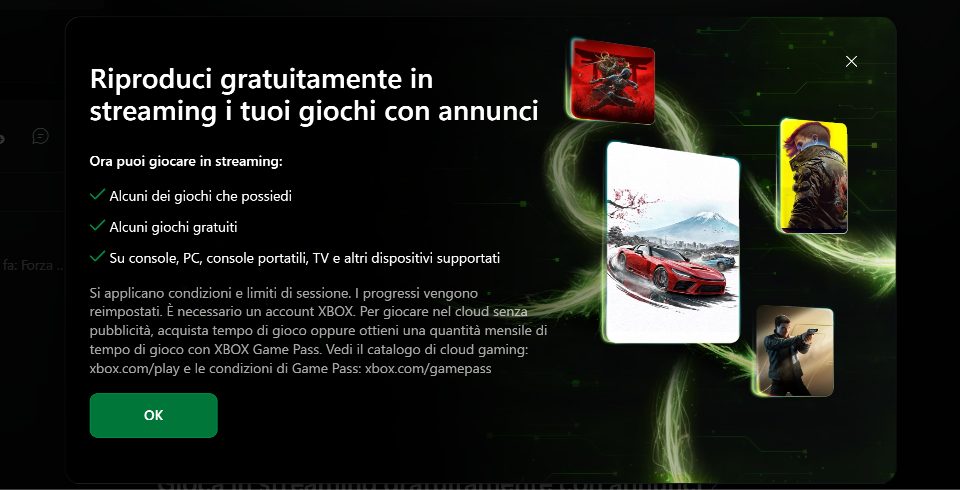
The new option allows users to access Xbox Cloud Gaming without an active Game Pass subscription. The system uses an ad-supported model: in exchange for free gaming sessions, users see ads before gameplay starts or during breaks.
What can you play?
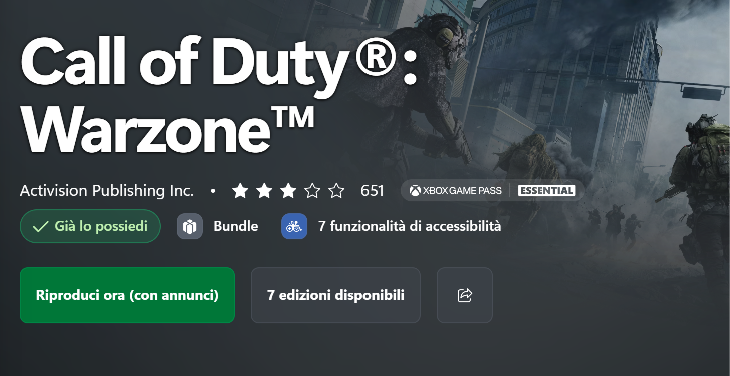
Unlike the full Game Pass catalog, free cloud access lets you stream titles you already own in your digital library, games included in periodic promotions (such as Free Play Days) or a selection of compatible free-to-play titles.
Step-by-Step Guide: How to Start Playing for Free
Follow these simple steps to start your first ad-supported cloud gaming session:
- Create or use a Microsoft account: Make sure you have an active Microsoft profile (the same one you use for Windows or Xbox). No paid subscription is required.
- Get a compatible device ready: You can access the service from a Windows PC, smartphone, tablet, or even a supported smart TV through a browser or the dedicated app.
- Connect a controller: A compatible Bluetooth controller is required for the vast majority of games (such as an Xbox wireless controller or an equivalent device).
- Go to the official page: Visit the Xbox Cloud Gaming portal.
- Choose a title and watch the ad: Choose an eligible game you own or a free-to-play game. Before the session starts, a short ad break will play (pre-roll).
- Play (with a time limit): Once the ad has ended, the session starts for a period of 30 minutes. When time runs out, you’ll need to watch another ad or rejoin the queue to continue.
Ad Blockers, Limits, and Comparison with Subscription Plans
The introduction of a free, ad-supported tier comes with specific rules and a general restructuring of streaming limits for all users, including subscribers.
The Effect of Ad Blockers
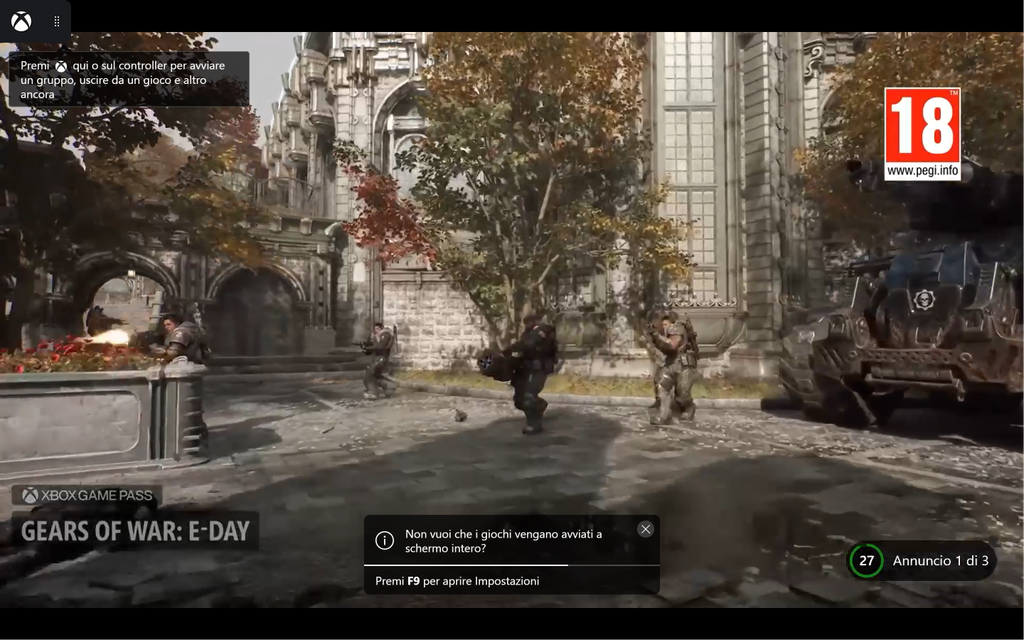

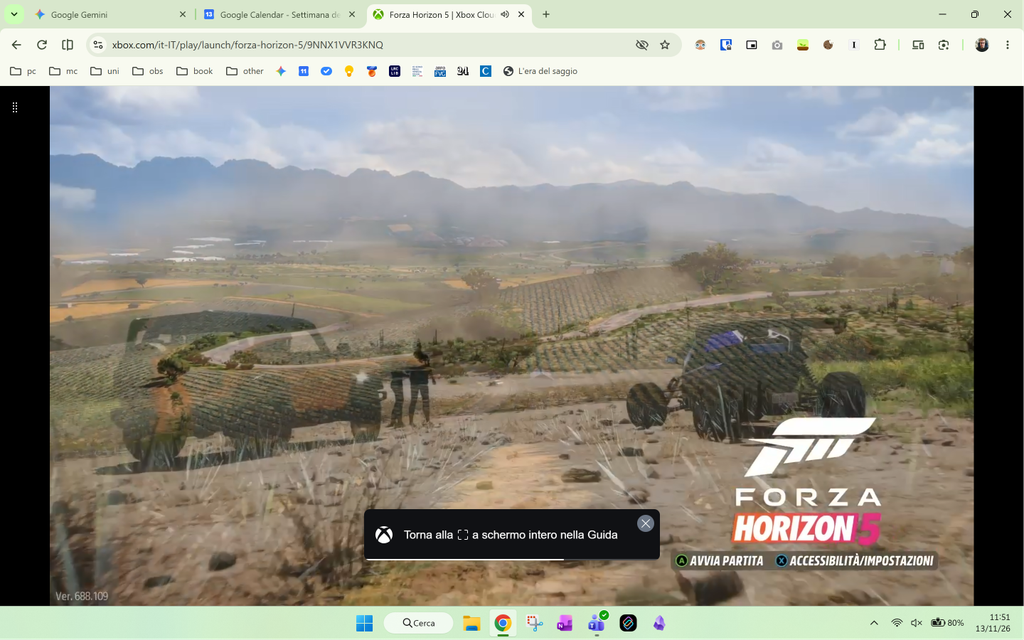
Many users wonder whether it’s possible to use ad blocker extensions to skip the initial ad breaks. The answer is no: Xbox Cloud Gaming’s streaming systems detect ad script blocking, preventing the session from starting or blocking the video stream until the ads play correctly. Ads are an integral part of the agreement for using the service for free.
Free Tier Limits and Plan Comparison
To see where this new option fits in, here’s an overview of the cloud streaming limits and the various tiers in the Xbox ecosystem:
| Tier / Plan | Monthly Cost | Ads | Streaming Limit / Mode |
| Free Cloud | 0€ | Yes (pre-roll ads) | Sessions of 30 minutes (owned games / F2P only) |
| Game Pass Essential | 8,99 € | No | 5 hours of cloud gaming per month included |
| Game Pass Premium | 12,99 € | No | 10 hours of cloud gaming per month included |
| Game Pass Ultimate | 20,99 € | No | 15 hours of cloud gaming per month included + full catalog |
If you use up the monthly hours included in subscription plans, or if you play frequently without signing up for a full subscription, Microsoft offers the option to buy additional playtime packages (Cloud Playtime).
Verdict: Is It Worth It?
Xbox Cloud Gaming’s free, ad-supported tier is perfect for occasional players, anyone who wants to test their connection quality, or those who want to enjoy a quick game of a title they already own without turning on their console. If you’re a regular player, however, the per-session time limits and constant ads will naturally lead you to consider a traditional monthly subscription.