 Alvise C.
The Microsoft 365 outage continues to cause difficulties accessing email and some features of related services.
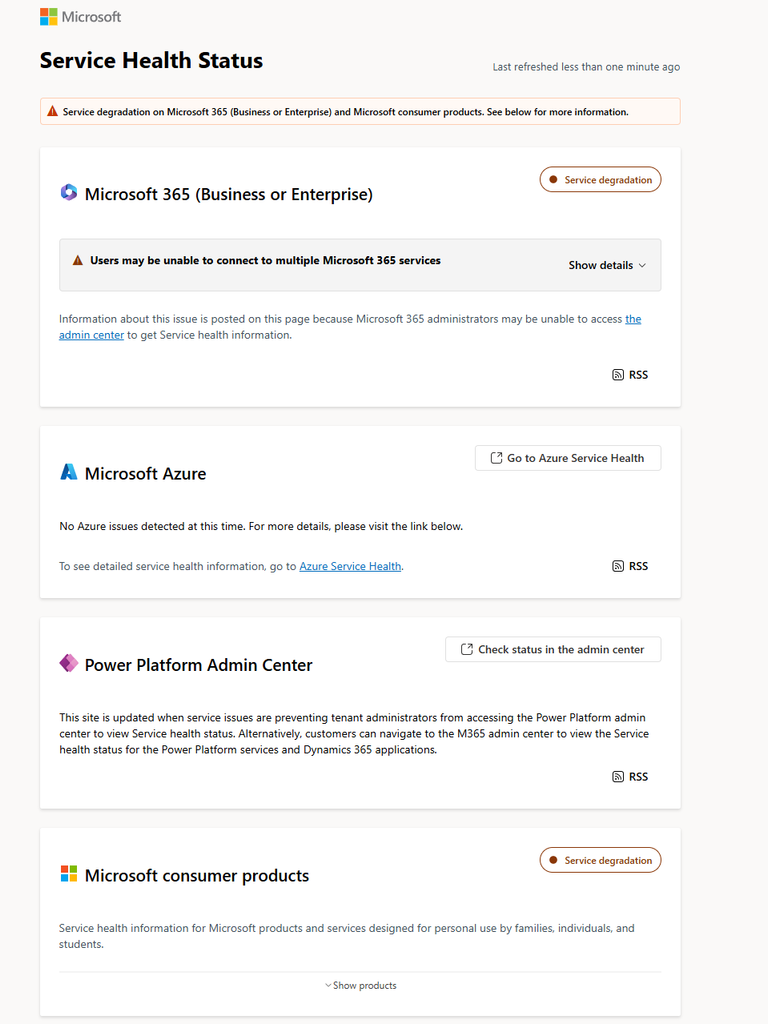
Update of 13 November 2026: reference to the latest verified official bulletin, published at 11:01 Italian time, that is, 10:01 UTC. The status is still Service degradation.
Which services are affected
The impact varies depending on the function being used. Here are some of the cases described in the Microsoft bulletin:
| Service | Reported effects |
|---|---|
| Exchange Online and Outlook | Difficulty accessing mailboxes and possible delivery delays |
| Teams | Problems with calendar and scheduling; calls, meetings, and chats largely operational |
| Microsoft 365 Copilot | Difficulty loading the chat and getting responses |
| SharePoint Online | Possible problems with external sharing; direct access to files operational |
| Admin center | Some pages may fail to load |
| Planner and To Do | Unreliable operations or app unavailable |
These are the effects reported in the bulletin, not a verification of individual organizations.
Email is at the center of the incident
The initial notice about Exchange Online, republished by Old Dominion University on its operations portal, is identified as EX1550543 and indicates that it began at 17:17 Italian time on 12 November, corresponding to 16:17 UTC.
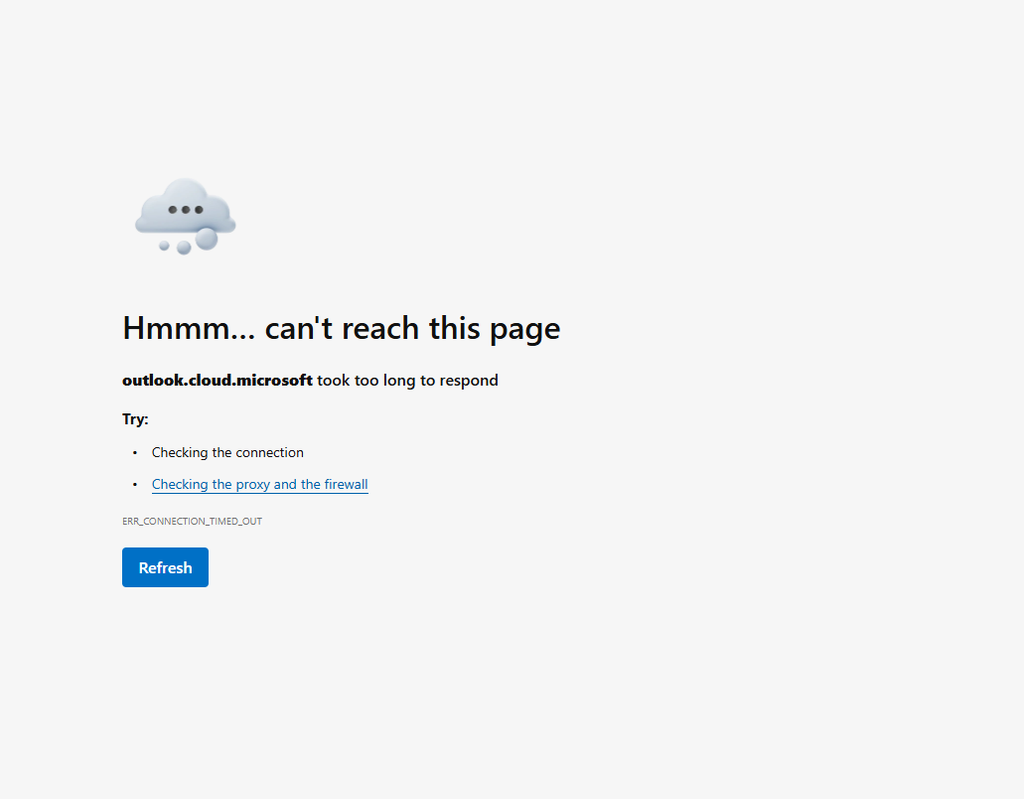
The communication describes difficulties across several connection methods: Outlook on the web, Outlook desktop, Exchange ActiveSync, and REST APIs. Switching applications is therefore not a guaranteed solution.
Subsequent updates republished by the university describe attempts to restart the infrastructure, redirect traffic, and achieve limited recovery in some regions. This helps explain why some users may be able to reconnect while others continue to encounter errors.
Delayed emails and service recovery
Microsoft is prioritizing the clearing of queues and has extended the email timeout window to 48 hours, to preserve delayed messages.
The 48 hours are not a promise about how long it will take to resolve the outage. For an urgent message, the practical advice is to verify delivery with the recipient using an already authorized alternative business channel.
Microsoft 365 down: Is it a cyberattack?
In the verified bulletin, Microsoft says it has no evidence of malicious activity. The definitive cause will be explained in the post-incident report.
This is more precise wording than claiming that a conclusive account of what happened is already available.
What to do if Outlook won’t connect
Before making changes to your PC, check whether the symptoms match the incident. Microsoft recommends checking service status to distinguish a known cloud issue from a local fault.
For administrators:
- Sign in to the Microsoft admin center 365.
- Open Health > Service health, or Health > Service health if the interface is in English.
- Check for alerts concerning the services your organization uses and for available updates.
- If the admin center is inaccessible, consult the public Microsoft status page.
The organization’s dashboard is also useful for checking the impact on your own environment: a news headline cannot establish that every tenant is experiencing the same disruptions.
As a practical guideline, avoid deleting Outlook profiles, cache files, or credentials just because email won’t connect during the incident. These actions do not repair the cloud infrastructure and may add reconfiguration work.
If you need to resend an urgent message, first check Sent Items and any non-delivery notices to reduce the risk of duplicate sends.
Guidance for IT managers
It’s a good idea to record the service, function, time, and error message, distinguishing successful operations from failed ones. A report such as “Teams isn’t working” is less useful than “I can’t view the calendar, but I can join meetings.”
Inform users through an available channel and agree on alternatives only for urgent activities. Any continuity procedures must comply with company data rules: a service disruption is not a reason to transfer confidential documents to personal accounts.
When will everything be back up?
The bulletin at 11:01 Italian time does not specify a time for full recovery.
Recovery should be verified both through official communications and by checking the operations actually needed by your organization.
For those who work with email, being able to open Outlook is only part of the check: it’s also a good idea to verify sending, receiving, and any messages still pending.