 Angolo di Windows
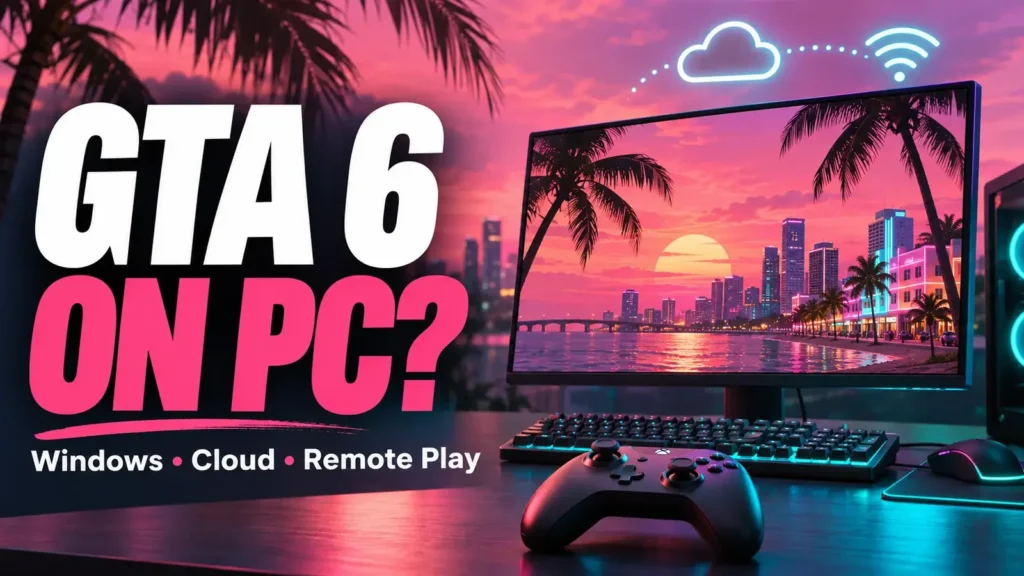
Can you play GTA 6 from a PC, perhaps using the laptop you already own? With cloud gaming and remote play, it’s a reasonable question, but the answer depends on where the game is running.
Let’s look at which options are documented and what you need to use your computer as a console screen.
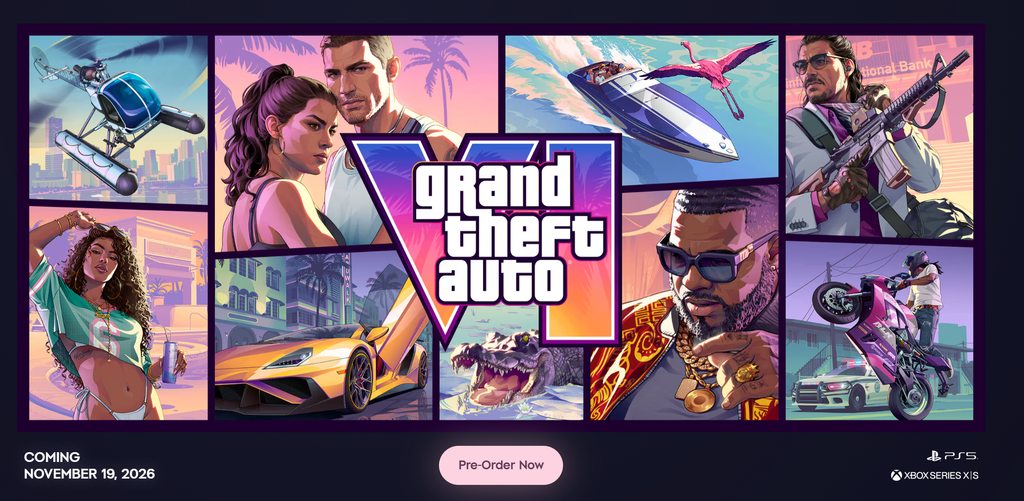
As of 19 November 2026, the platforms listed on the official GTA 6 page are PS5 and Xbox Series X|S. For Windows, the official references consulted do not yet list an edition available to buy with a release date and dedicated system requirements. Source: Rockstar.
Three modes that are often confused
| Mode | Where the game runs | What it means for PC |
|---|---|---|
| Native Windows version | On the computer | Requires a specific PC version |
| Cloud gaming | On the provider’s systems | The PC must be supported for that title and service |
| Remote play | On your own console | The computer receives the console’s stream |
With cloud gaming, you use the provider’s systems; with Remote Play, you connect to your own console. This difference determines what equipment you need before you start.
Does Xbox cloud let you play it from a PC?
In theXbox announcement of 10 November Microsoft lists cloud gaming for GTA 6 on Xbox One and Xbox Series X|S, with Series S graphics settings. It also specifies that the game must be purchased separately.
That announcement does not specifically confirm browser play on PC. This is the detail to check before buying the game with the intention of playing it on your computer.
In supported markets, Microsoft also offers cloud gaming time without Game Pass. You still need to factor in the cost of the game and whether your chosen device is compatible.
So open the service on the device you want to use and check the GTA 6 listing, the option offered, and the terms. It’s best to clarify these points before activating a subscription.
Have a PS5? Your PC can become a remote screen
Rockstar confirms support for remote play on PlayStation and Xbox consoles in the platforms list.
For this option, you need a PS5 with GTA 6 available on the console. The app also supports PS4, but for GTA 6 the listed PlayStation platform is PS5.
The Sony guide for PC and Mac lists these steps for PS5:
Install PS Remote Play from Sony’s official link.
On the console, open Settings > System > Remote Play and enable the feature.
Connect a supported controller to your PC and sign in with the same account you use on the console.
Select PS5 in the app and follow the connection procedure.
Waking the console from rest mode requires additional network and power settings. Check the current requirements in Sony’s guide before setting up an older PC.
Playing from a PC by connecting to your Xbox
The Xbox Remote Play feature lets you play games installed on your own console from compatible devices, including supported PCs. Remote features must be enabled, and you need the account specified in the setup.
With GTA 6 you therefore need to start with a Series X|S to run the game. Xbox One appears in the cloud announcement instead: the two options have different requirements.
The console’s connection matters as much as the receiving device’s. If you want to find out whether the network is limiting quality, compare the same setup while changing one element at a time.
What if you don’t own a console?
If you only have a PC, Remote Play won’t solve the problem: you still need a console to run GTA 6.
Before paying for cloud gaming, wait for confirmation that your device is supported or check access on the game’s listing. As of 19 November 2026, the confirmations gathered here concern the consoles listed above.
What about GTA 6 downloads for Windows?
Don’t use a Windows executable just because its name contains “GTA VI.” Check that the version is available through Rockstar channels and that the link comes from the correct official store.
If you find a video showing GTA 6 on a monitor, also check how it’s running: it could be streaming from a console. For any possible Windows version, the reference remains Rockstar’s announcement and its associated purchase listing.